Filmlexikon.
Support
Ripple Edit
Editing · Terms

Ripple Edit

Murnau AI illustration
slip edit overwrite edit speed ramp edit

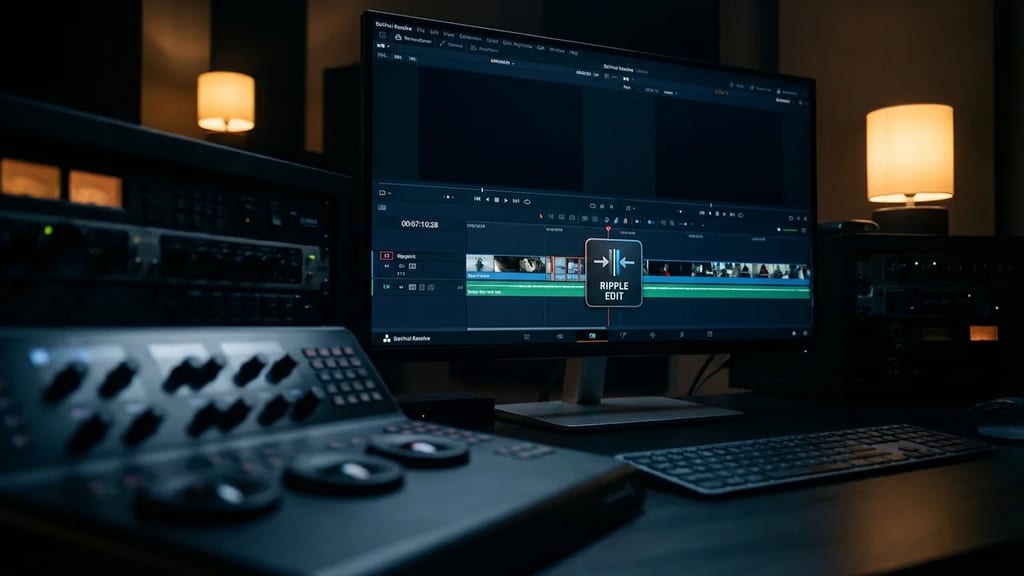
Edit technique that automatically shifts all subsequent clips when trimming or extending a clip, closing gaps or creating space in the timeline.

Technical Details

Modern editing systems like Avid Media Composer, Adobe Premiere Pro, and DaVinci Resolve perform ripple edits in real-time, with the calculation of the new timeline position typically occurring in under 100 milliseconds. The ripple mode operates with a mathematical offset calculation: when a clip is shortened by 2:15 seconds, every subsequent clip shifts exactly that time difference to the left. In professional systems, the ripple effect can be limited to individual tracks or applied across multiple tracks. Keyboard shortcuts activate ripple mode: "B" in Avid, "Alt+Drag" in Premiere Pro.

History & Development

Lightworks introduced the ripple edit digitally in 1989 as the first non-linear editing system, inspired by analog flatbed editors like the Steenbeck, where removing footage automatically closed a gap. Avid perfected the feature in 1991 with Media Composer by introducing segment modes and track isolation. Apple revolutionized ripple editing in 1999 with Final Cut Pro through Magnetic Timeline concepts, which enabled automatic gap closing in all directions.

Practical Use in Film

In Thelma Schoonmaker's editing of "Goodfellas" (1990), ripple edits allowed for precise timing of voice-over passages without manual timeline adjustments. Documentaries benefit particularly: in "Free Solo" (2018), ripple cutting efficiently condensed 47 hours of raw footage, as interview trims automatically pulled B-roll material forward. Action sequences, however, require caution: ripple edits can destroy precisely choreographed music or sound design synchronization, which is why editors like Lee Smith ("Dunkirk") use lock tracks.

Comparison & Alternatives

In contrast to ripple editing, the roll edit does not change the overall length but only shifts the edit point between two adjacent clips. Slip and slide edits manipulate clip content without timeline shifts. Insert editing combines ripple functionality with new clips, while overwrite editing replaces existing clips without changing their length. In complex projects with over 200 tracks, editors prefer lock modes or blade tools to avoid unintended ripple effects on music and effects tracks.
From the crafts

Perspectives

Cinematographer

Ich achte beim Dreh darauf, genügend Handle vor und nach wichtigen Aktionen zu lassen, da ich weiß, dass der Editor Ripple-Schnitte verwenden wird. Besonders bei Dialogue-Szenen filme ich bewusst längere Takes, damit im Schnitt flexibel gekürzt werden kann ohne dass meine Bildkomposition durch harte Cuts zerstört wird. Steadicam-Aufnahmen plane ich mit 15-20% Zusatzlänge, da Ripple-Editing oft die natürlichen Bewegungsbögen optimiert.

Director

Ich nutze Ripple-Schnitte in der Postproduktion gezielt, um den Rhythmus von Dialogen zu straffen ohne die emotionale Kontinuität zu brechen. Besonders in Ensemble-Szenen kann ich so einzelne Charaktermomente verstärken, indem ich Pausen verkürze und die nachfolgenden Reaktionen automatisch nachziehen lasse. Bei Spannungsaufbau schneide ich bewusst mit Ripple-Funktion, um das Tempo schrittweise zu erhöhen ohne manuell jeden einzelnen nachfolgenden Schnitt anpassen zu müssen.

Producer

Ripple-Schnitte reduzieren die Postproduktionszeit erheblich – mein Editor spart durchschnittlich 30% Zeit bei Rohschnitt-Iterationen, was bei einem 90-Minuten-Film etwa 15.000 Euro Schnittkosten entspricht. Ich plane jedoch 10% zusätzliche Renderzeit ein, da Ripple-Änderungen oft komplette Timeline-Neuberechnungen erfordern. Bei Projekten mit festen Abgabeterminen ist die automatische Timeline-Anpassung durch Ripple-Funktionen ein kritischer Effizienzfaktor für die Einhaltung des Postproduktions-Schedules.

More in the lexikon

Related terms

Test your knowledge

Quiz

1. Zu welchem Department gehört „Ripple-Schnitt"?

2. Wie viele verschiedene Fachperspektiven bietet dieser Eintrag?

Report an error
From the Filmfarm ecosystem

Understand visual language, budget productions, connect crew.

The Lexikon is part of the Filmfarm ecosystem — alongside budgeting (FilmBalance), an industry magazine (FilmCircus) and crew networking (FilmCall, CrewMesh). One shared vocabulary for the whole production.

FilmFarm FilmRadarComing soonFilmPulseComing soonFilmNumbersComing soonFilmCapitalComing soonFilmLabComing soonFilmBalanceComing soonFilmCircusComing soon