
A cut within the same shot in which time material is removed – creates visible jumps that convey tension, nervousness, or irony.
Famous examples · Jump Cut
À bout de souffle
Godard's debut film established the jump cut as a deliberate aesthetic device of the Nouvelle Vague: the famous car-ride sequence with Jean Seberg jolts through time and space, turning discontinuity into artistic statement.

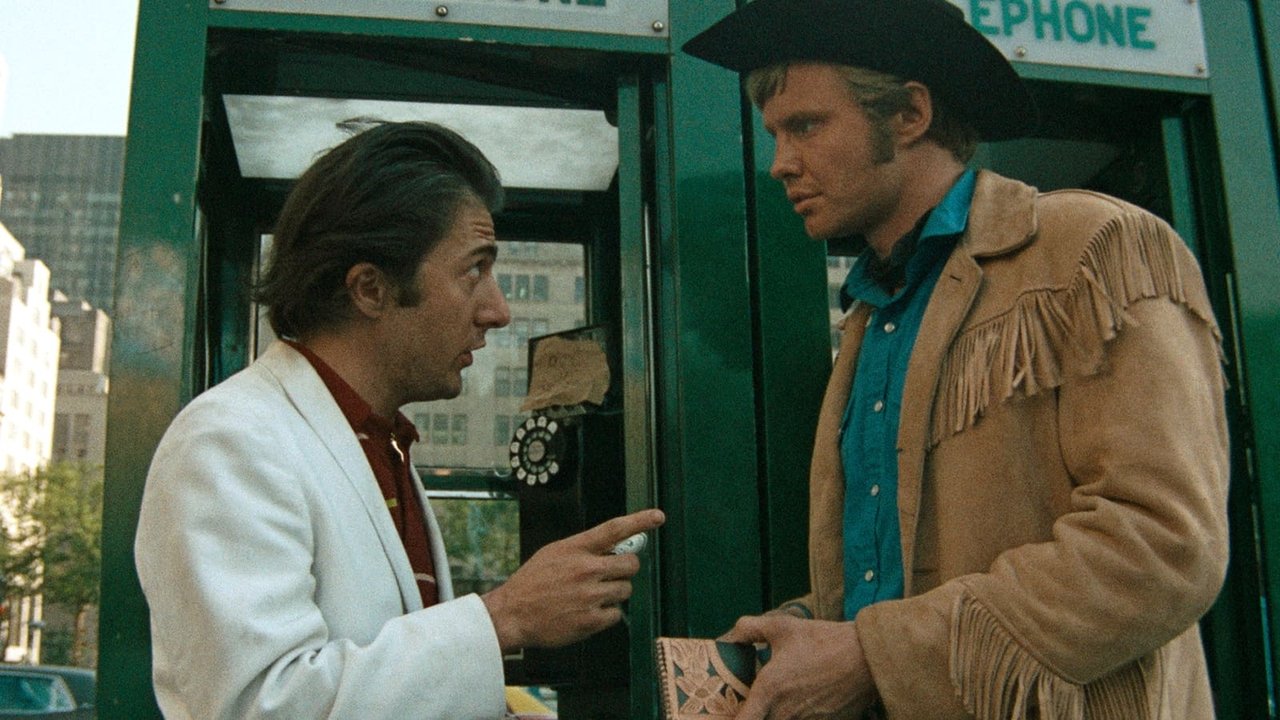
Midnight Cowboy
Schlesinger uses jump cuts in Joe Buck's flashbacks and daydreams to visually convey psychological fragmentation and traumatic memory, pulling the viewer into the character's destabilized inner world.
Requiem for a Dream
Aronofsky's hip-hop montage technique compresses drug-use rituals through extreme jump cuts into a manic staccato, making the characters' intoxication and loss of control physically palpable.

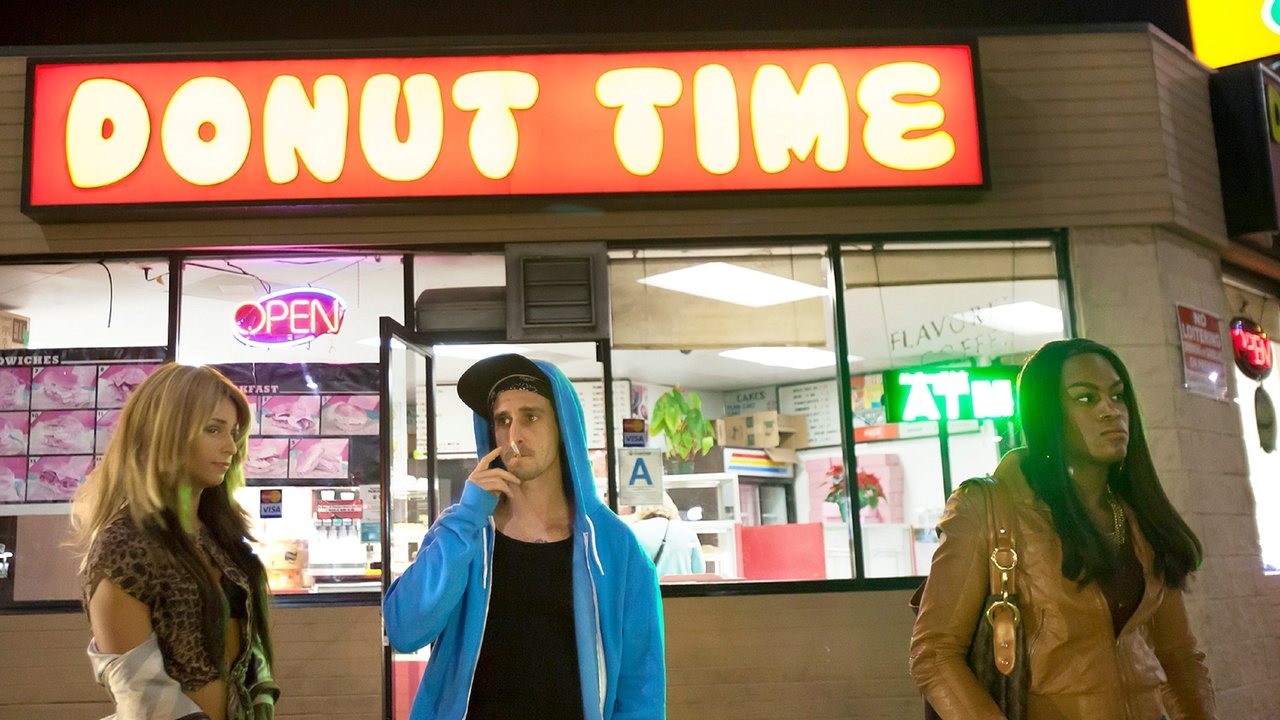
Tangerine
Shot on an iPhone, Baker deploys jump cuts to capture the restless, fragmented energy of Los Angeles street life, demonstrating how the technique has been democratized and reinterpreted in the digital age.
Film stills sourced via the TMDB API. This product uses the TMDB API but is not endorsed or certified by TMDB. themoviedb.org ›
Definition
The Jump Cut (also known as Sprungschnitt or Bildsprung) is an edit within the same shot or camera angle where a portion of the action's time is removed. Unlike continuity-focused edits, the Jump Cut is deliberately visible, creating a visual "jump" – the character or object suddenly moves from position A to position B.
Technical Details
Fundamentals
Jump Cuts are created by removing footage (typically 0.5-3 seconds or 15-85% of a shot), with the remaining cut edges joined directly:
- Camera Position: Maximum 10-15° variance (otherwise recognized as an axis jump)
- Time Jump: Typically 0.5-3 seconds
- Direction of Movement: Should remain constant for consistency
- Lighting: Must be exactly the same (biggest source of error)
NLE Workflow
Adobe Premiere Pro:
- Place clip on timeline
- Position the Razor tool at the desired point
- Delete the segment between the cuts
- Join the remaining clips directly (Ripple Delete)
- Optional: Use audio bridge with L/J cuts
Final Cut Pro X:
1. Cmd+U: Import clip into project
2. Use Connected Story for overview
3. Range Select for the area to be deleted
4. Press the Delete key
5. Ripple Edit to close the gap
DaVinci Resolve:
- Edit Page: Split clip with Cmd+X
- Select the middle segment and press Delete
- Automatic ripple closure
Avid Media Composer:
- Use the Splice-In function
- Extract the middle segment
- Splice automatically closes the gap
Visual Quality Control
- Lighting Continuity: Lighting must be absolutely identical
- Motion Continuity: Movement should continue linearly
- Perspective Shift: Position jumps that are too large appear unrealistic
- Action Clarity: The viewer should understand what was "skipped"
History & Development
Jean-Luc Godard first systematically used Jump Cuts as a stylistic device in "À bout de souffle" in 1960, after editor Cécile Decugis had to shorten the original 150-minute rough cut to 90 minutes. The technique spread internationally from 1965 onwards and entered the mainstream in the 1990s through MTV aesthetics and music videos. Digital editing systems like Avid Media Composer integrated special Jump Cut tools from 1995, and modern software like DaVinci Resolve has automatically recognized potential Jump Cut points since 2018.
Practical Use in Film
Jump Cuts effectively compress dialogue scenes – an 8-minute conversation can be reduced to 3 minutes without losing narrative information. Lars von Trier used over 400 Jump Cuts in "Dogville" (2003) to intensify acting performances. In interviews and documentaries, Jump Cuts allow for the seamless removal of filler words and pauses. The technique creates deliberately visible jumps in motion sequences and enhances the viewer's subjective perception.
Comparison & Alternatives
Jump Cuts differ from Match Cuts in their identical rather than complementary image composition and from Cross Cuts due to the absence of a change in location. L-Cuts and J-Cuts disguise edits with overlapping audio, while Jump Cuts emphasize the montage. Cutaways offer a more elegant alternative for time compression but require additional footage. In cases of budget constraints or subsequent cuts, Jump Cuts often remain the only practical solution for reducing runtime without costly reshoots.