
Professional film/cinematography term.
Famous examples · Cross-Cutting
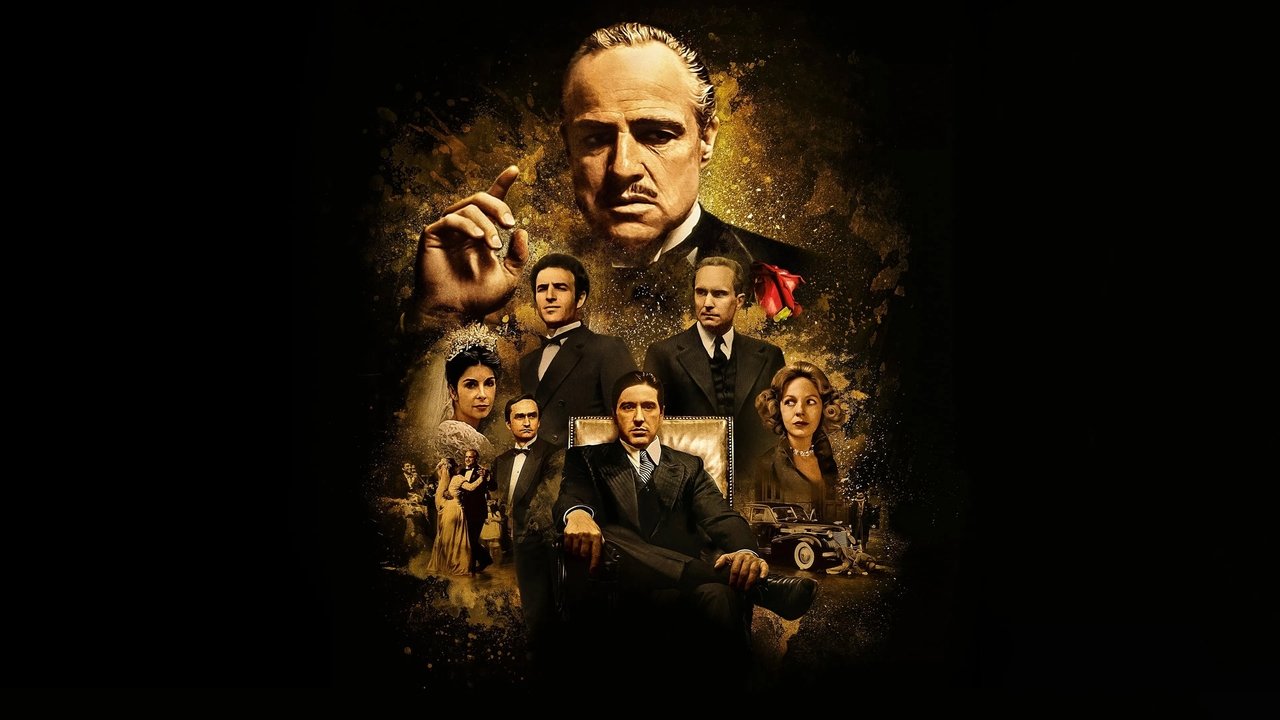
The Godfather
The famous baptism sequence intercuts between a solemn church ceremony and the simultaneous Corleone family murders, using cross-cutting as both a dramatic and moral device of the highest order.
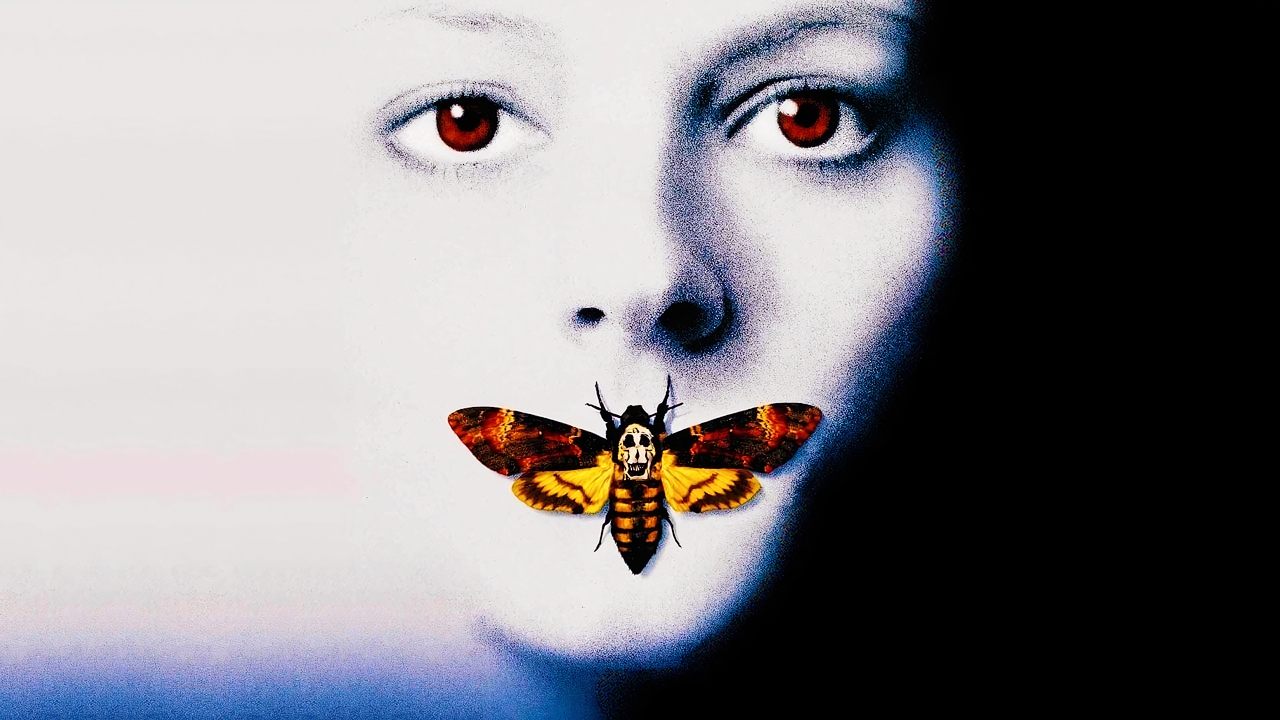
The Silence of the Lambs
The climax intercuts between the FBI raid on the wrong location and Clarice's actual confrontation with Buffalo Bill, demonstrating how cross-cutting generates suspense through deliberate spatial misdirection.
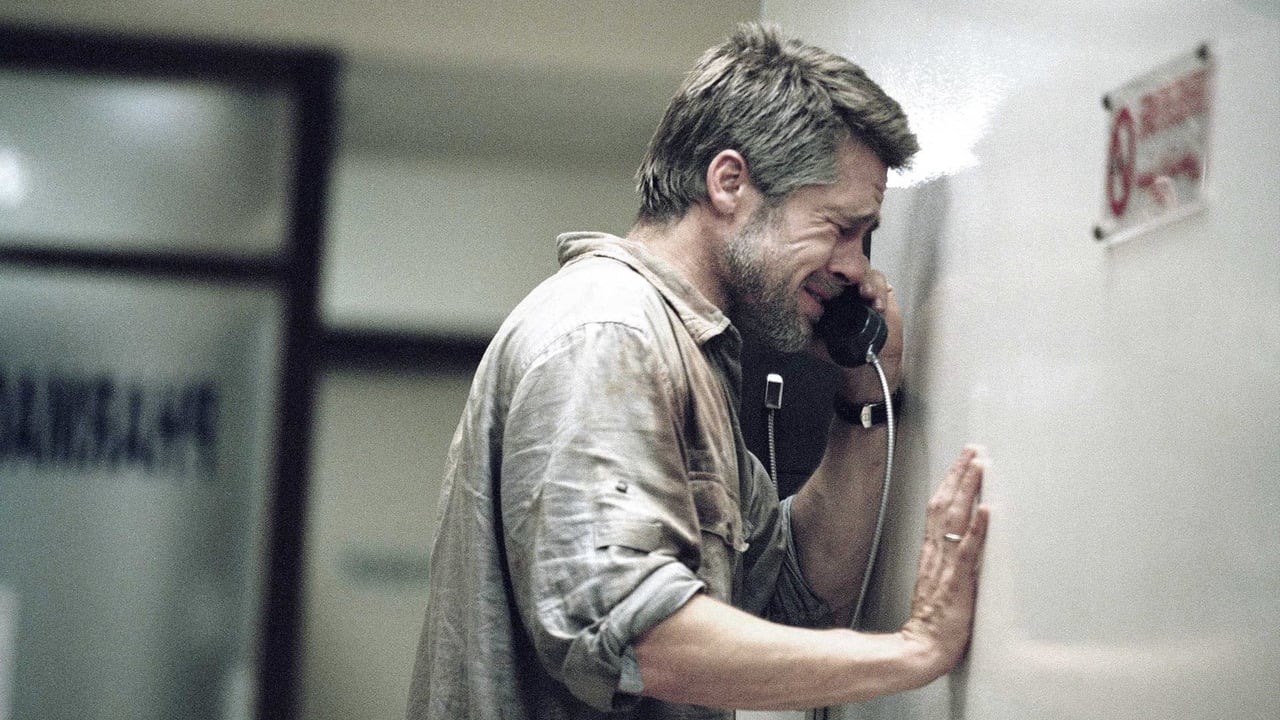
Babel
Iñárritu weaves four geographically and culturally separate storylines through sustained cross-cutting into a global web of cause, consequence, and shared humanity.
Dunkirk
Nolan intercuts between three storylines operating on different timescales (one week, one day, one hour), using cross-cutting to make the perception of time itself the central dramatic subject.

Film stills sourced via the TMDB API. This product uses the TMDB API but is not endorsed or certified by TMDB. themoviedb.org ›
Definition
Cross-cutting (also known as intercutting or alternating montage) is a film editing technique that alternates between two or more simultaneously occurring actions that are spatially separated. The cutting frequency and rhythm determine the emotional impact – the faster the cuts, the higher the tension.
Historical Context
Cross-cutting was systematically introduced by D.W. Griffith in "Intolerance" in 1915 and is considered one of the most important innovations in film technology. It enabled:
- Narrative Complexity: Telling multiple story threads simultaneously
- Emotional Tension: Dramatizing last-minute rescues
- Thematic Parallelization: Connecting different scenes through cutting rhythm
Technical Foundations
Timing Structure
| Phase | Cut Length | Effect | Example |
|---|---|---|---|
| Exposition | 10-20 sec per take | Slow, establishing | Both characters are introduced |
| Build-up | 5-10 sec per take | Moderate tension | Parallel actions are clear |
| Suspense | 2-5 sec per take | High tension | Race against time |
| Climax | 1-2 sec per take | Maximum tension | Last-second rescue |
| Resolution | 3-8 sec per take | Calming | Showing consequences |
NLE Workflow
Adobe Premiere Pro Cross-Cutting:
1. Create multiple tracks for different storylines
2. Track 1: First action (e.g., bank robbery)
3. Track 2: Second action (e.g., police chase)
4. Experimentally shorten trim lengths during the build-up
5. Effect Panel: Add Cross-Dissolve for transitions (optional)
6. Audio Layer 3 & 4: Separate audio tracks for both strands
7. Soundscape Blending for audio transitions
Final Cut Pro X:
1. Use Connected Stories for main plot + subplot
2. Cmd+U: Create additional roles for different strands
3. Role-based editing for parallel cuts
4. Cmd+G: Create Compound Clips for secondary scenes
5. Trim tools for rhythmic control
DaVinci Resolve:
1. Edit Page: Create 4-6 video tracks for strands
2. Color Page: Color coding for visual distinction
3. Fairlight Page: Audio tracks for both scene complexes
4. Timeline: Shuffle Edit for rhythmic cuts
Cutting Rhythm Control
Modern NLEs allow for:
- Dynamic Trimming: Synchronously shortening both footage tracks
- Ripple Edit Mode: Automatically compensating for length differences
- Timeline Zoom: 200-500% for frame-accurate control
- Playback Speed: Real-time rhythm check at different tempos
Practical Application in Film
Classic Applications
Last-Minute Rescue:
- Robber flees, police pursue
- Cuts become shorter = tension rises
- Length of cuts proportional to urgency
- Simultaneous action suggests real-time (false, but effective)
Parallel Actions:
- Wedding invitations (beach) + surprise announcement (office) simultaneously
- Rhythm connects scenes thematically
- Viewer emotionally compares both moments
Contrast Enhancement:
- Luxury life (penthouse) vs. misery (street)
- Parallel cuts emphasize social contrast
- Mental connection without dialogue
Documentary Film
Cross-cutting connects:
- Interview statements + historical archive material
- Expert perspective + fieldwork
- Different times (history is shown visually)
Music Video
The rhythm is determined by the music:
- Verses: Longer takes
- Chorus: Fast cuts
- Bridge: Variable rhythms
- Cross-cutting synchronizes visual action with music
Advertising
Fast cross-cutting:
- Showing product features in parallel
- Lifestyle benefits in different scenes
- Music synchronization for emotional impact
Workflow Integration
Pre-production
- Script breakdown: Which scenes run in parallel
- Timing selection: How long does each strand last in real-time
- Coverage planning: How much footage do we need per strand
Shooting Phase
- Shoot both storylines with sufficient coverage
- Timecode notes for synchronization points
- Alternative takes for timing flexibility
Post-production
- Assembly: Edit both strands completely
- Rough Cross-Cut: Initial cross-cutting experiments
- Rhythm Refinement: Adjusting cut lengths for tension
- Audio Integration: Blending soundscapes, balancing levels
- Color Grading: Visual distinctiveness (optional color coding)
- Final Mix: Finalizing audio transitions
Best Practices
Subtlety
- Don't cut too often (viewer loses track)
- Show at least 2-3 takes per strand for understanding
- Context changes should be logical
Timing
- Real-time synchronization is not necessary (but can be helpful)
- Rhythm should fit emotionally, not mathematically
- The final convergence can be "out of time" (dramatically)
Audio Design
- Both strands should have audio (integrity)
- Use cross-fades for audio transitions (not hard cuts)
- Music can connect both strands (sound bridge)
Common Mistakes
- Too many cuts: Viewer is confused about which strand is relevant
- Unequal coverage: One strand has more takes = appears longer
- Time logic errors: Real time is ignored, becomes confusing
- Audio chaos: Two dialogues simultaneously = incomprehensible
- Visual similarity: Strands look too similar = confusion
See Also
- Montage – General editing theory
- Jump Cut – Jump cut
- Cutting Rhythm – Cutting rhythm
- Sound Design – Audio design for montages
- Fine Cut – Fine cut phase