
Audio overlap technique in which the soundtrack of the next scene begins before the visual cut – creates subtle tension and professional transitions.
Famous examples · J-Cut
The Graduate
Mike Nichols uses Simon & Garfunkel songs as J-Cut bridges, with the music of a new scene beginning before the image cuts – an early masterclass in emotional audio overlap.

Apocalypse Now
Walter Murch, pioneer of modern sound editing, deploys J-Cuts masterfully: helicopter sounds and battle noise invade quiet scenes before the image transitions to the next sequence.

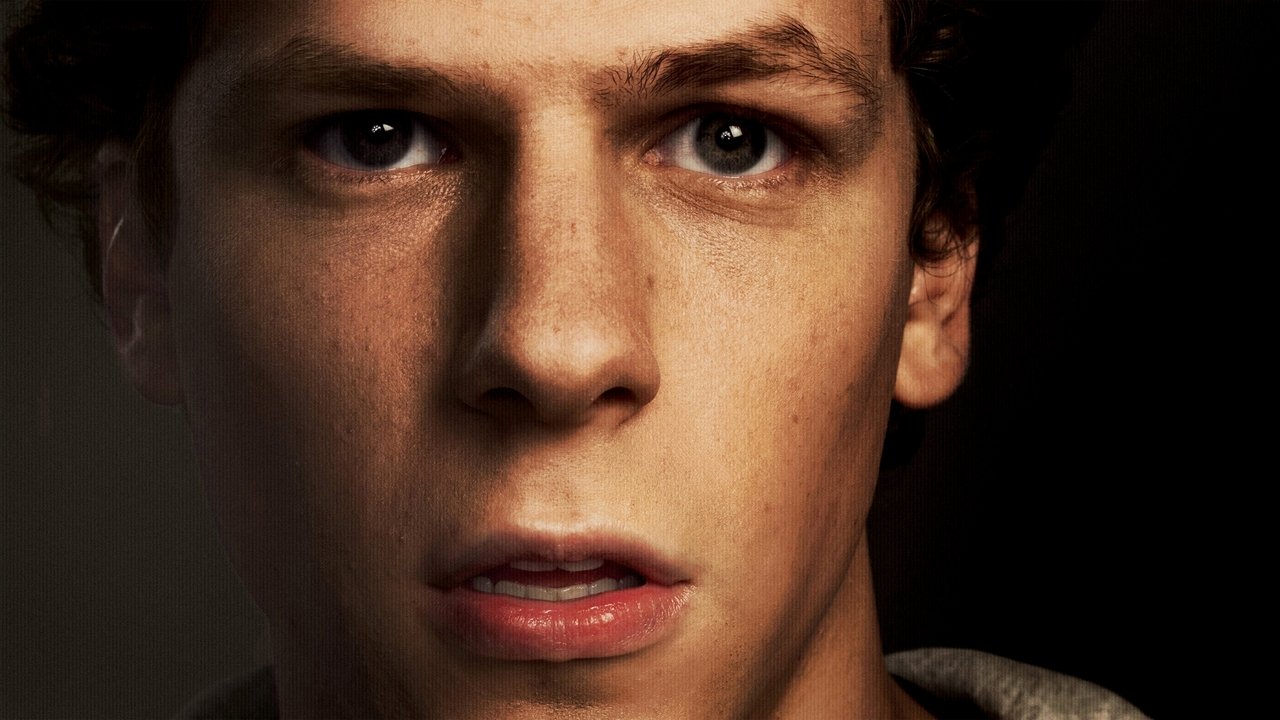
The Social Network
Editors Kirk Baxter and Angus Wall systematically employ J-Cuts to weave dialogue and ambient sound from the next scene into ongoing scenes, generating the relentless rhythm of Zuckerberg's rise.
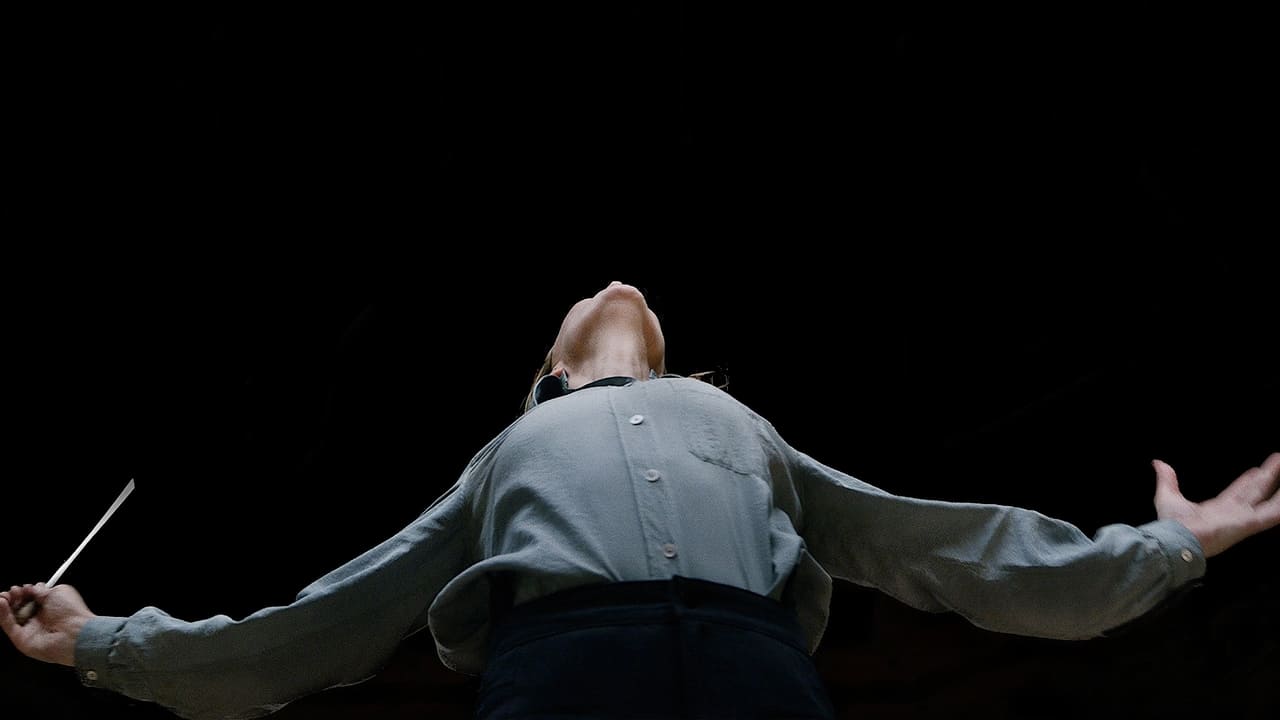
Tár
Todd Field deliberately uses J-Cuts to bleed orchestral sounds and ambient noise into preceding scenes, audibly conveying Lydia Tár's omnipresent mental preoccupation with music and control.
Film stills sourced via the TMDB API. This product uses the TMDB API but is not endorsed or certified by TMDB. themoviedb.org ›
Definition
The J-Cut (German: J-Schnitt) is a classic film editing technique where the audio track of the upcoming scene begins before its visual cut. The name describes the shape created in the timeline – the audio starts earlier, like a "J," and the video follows later. This is one of the most fundamental techniques in modern film editing and belongs to the category of split edits.
Technical Details
NLE Implementation
In digital editing systems, the J-cut is created using asynchronous trim functions (split edits):
Adobe Premiere Pro:
- Place audio clip and video clip on separate tracks
- Use the Unlink function (Alt+Click)
- Position audio 0.5-2 seconds before the video cut
- Utilize Trim tools for frame-accurate adjustment
- Optionally add an audio fade for smooth transitions
Final Cut Pro X:
- Use clips as Connected Stories
- Press Cmd+Opt+V to detach audio/video
- Use Ripple Edit Mode for precise timing
- Open the Audition Editor for audio curves
DaVinci Resolve (Edit & Fairlight Pages):
- Video/Audio unlinking via Ctrl+Alt+Shift+L
- Create separate audio tracks for flexible timing
- Use the Slip-Edit Tool (S) for offset adjustments
- Use Ripple Delete (X) for automatic track synchronization
- Fairlight Page: Fade Curves (Shift+Scroll) for natural audio decay
- Frame-Level Zoom (Ctrl+Scroll) for precise J-cut timing
Avid Media Composer:
- Disable the Link button for A/V separation
- Select the Split Edit Tool in the timeline
- Move segments using mouse drag
- Utilize the digital Ripple function for automatic adjustment
Timing Parameters
- Subtle Overlap: 0.3-0.5 seconds (dialogue to dialogue)
- Standard Application: 0.5-1.0 seconds (typical scene change)
- Dramatic Variation: 1.5-2.0 seconds (building tension)
- Music-Driven: 2.0-3.0 seconds (montage sequences)
The audio track continues with unchanged dynamic range while the video track already transitions to the next shot. Modern non-linear editors indicate this technique through differently sized blocks in the video and audio tracks, where the audio block visually extends beyond the video block.
History & Development
The J-cut developed in television in the 1960s when producers realized that dialogue scenes felt more natural if the speaker was already visible on screen before their voice started or after they stopped speaking. Its systematic application began with the introduction of Steenbeck editing tables around 1970, which first enabled precise split edits. With the transition to digital editing systems in the 1990s, the J-cut became a standard tool for every editor.
Practical Application in Film
Documentary
J-cuts are essential for natural-sounding interview transitions. While a subject is speaking, the camera can already zoom to the next person or location, improving flow and revealing reactions.
Narrative Film
In "The Social Network" (2010), editor Angus Wall extensively used J-cuts in interrogation scenes to heighten tension between characters. The rapid dialogue scenes, driven by Aaron Sorkin's writing, are rhythmically held together by J-cuts.
Commercials & Short Films
J-cuts allow for rapid cutting sequences that emphasize the music beat or speaker's rhythm. They create psychological anticipation of the upcoming action without a visual cut.
Workflow Integration
- Assembly Phase: Rough cut with all scenes in chronological order
- Dialogue Edit: Primary audio cuts for dialogue pacing
- J-Cut Refinement: Targeted placement of J-cuts for emotional impact
- Picture Lock: Finalization of audio-video synchronization
This technique reduces jump cuts by approximately 40% and shortens the overall runtime of dialogue scenes by an average of 8-12%.
Comparison & Alternatives
| Technique | Audio Positioning | Effect | Usage |
|---|---|---|---|
| J-Cut | Audio before Video | Tension, Anticipation | Dialogue, Transitions |
| L-Cut | Audio after Video | Reaction, Consequence | Epilogue, Thoughts |
| Straight Cut | Audio = Video | Direct, Precision | Action, Cuts |
| Cross-Fade | Both Overlapping | Smooth, Transition | Montage, Music |
The L-cut functions as the opposite: the video continues beyond the audio cut. While J-cuts create anticipation for reactions, L-cuts show the aftermath of spoken words. Split edits combine both techniques.
Practical Distinction
- J-Cut: "I hear something new before I see it"
- L-Cut: "I see the face, but still hear the old voice"
- Straight Cut: "Audio and video synchronized"
In dialogue scenes, J- and L-cuts account for approximately 75% of all cuts, while in action sequences, straight cuts dominate at about 70%.
Professional Tips and Best Practices
Avoiding Common Mistakes
- Excessively long audio leads: Leads to confusing, unmotivated transitions
- Abrupt audio entries: Always use a fade-in (10-100ms)
- Overuse: Excessive application feels technical and artificial
- Incorrect level balance: Audio levels before the J-cut should be calibrated
Best Practices
- Consistent lead times: Uniform timing creates a professional flow
- Prioritize audio quality: The introductory audio must not be compressed or distorted
- Context sensitivity: Vary lead lengths according to the scene's character
- Check sync points: Ensure audio and video meet naturally
- Layer management: Keep audio and video on separate tracks for maximum control
See Also
- L-Cut – Audio after Video Cut
- Match Cut – Graphic Connection
- Split Edit – General term for J- and L-Cuts
- Rough Cut – Assembly Phase
- Fine Cut – Editing Phase
- Picture Lock – Image Approval