Overview
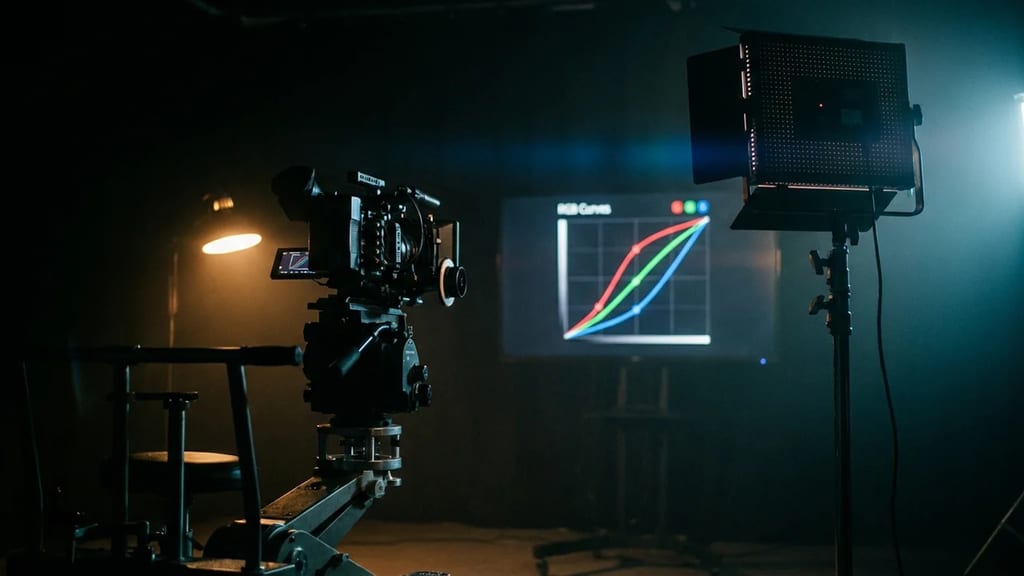
The RGB Curve is one of the standard tools in digital color correction and color grading, not a lighting or grip device. It reassigns the tonal values of an image via a graphically deformable characteristic curve: the horizontal axis (input) represents the original tonal values from shadows on the left to highlights on the right, and the vertical axis (output) represents the value output after correction. In its unedited state, the curve is a straight diagonal line – each input value is output unchanged.
By setting and moving control points, this line can be bent: points moved upwards raise the affected tonal values, points moved downwards lower them. A classic S-shape, which lowers the shadows and raises the highlights, increases contrast.
Master Curve and Individual Channels
Several curves are usually available. The Master or Luma curve (labeled "Y" in DaVinci Resolve) affects the brightness of all channels jointly and is primarily used for contrast and tonal value control. In addition, there are separate curves for the Red, Green, and Blue channels. If the channel coupling is released, each channel can be shaped individually.
Since Red, Green, and Blue each have a complementary range, raising one channel changes the color impression in a targeted way: if the Red curve is raised in the shadow area, the dark image parts shift towards reddish; if it is lowered, they shift towards cyan. This allows color casts to be corrected or deliberately set separately in shadows, midtones, and highlights.
Use in Post-Production
The principle of curves is the same across software, even if the operation and functional scope differ. Curve tools can be found in DaVinci Resolve, Final Cut Pro, Adobe Premiere Pro, and in the image editing software Adobe Photoshop, among others.
Typical applications at the editing or color workstation:
- Contrast: S-curve via the Master/Luma curve for more or less tonal range expansion.
- White Balance and Color Casts: separate correction of individual channels in specific brightness ranges.
- Shot Matching: aligning settings, often in conjunction with an RGB Parade scope, until the channel values of multiple shots match.
- Look Creation: warmer or cooler appearance, as well as approximating a film look through targeted manipulation of shadows, midtones, and highlights.