Definition
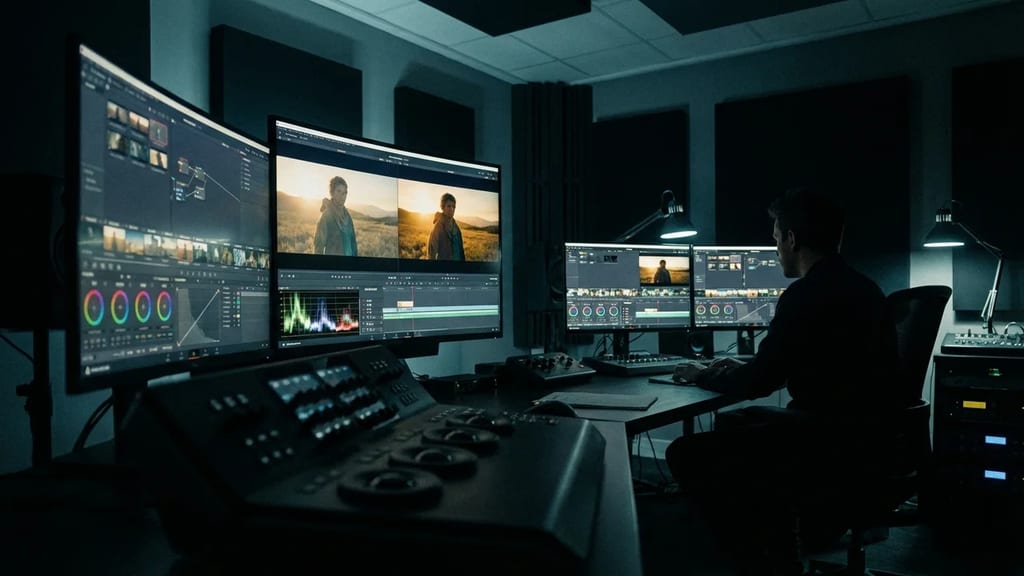
Color Grading (German: Farbkorrektur or Farbgestaltung) is the creative process of color manipulation in post-production. It goes beyond technical correction and shapes the emotional color language of the film – the "look" that visually communicates time, place, and mood.
Color Correction vs. Color Grading
| Color Correction | Color Grading |
|---|
| Technical | Creative |
| Neutralize | Stylize |
| Make "Right" | Make "Beautiful" |
| Matching between Shots | Develop Look |
| First Stage | Second Stage |
Workflow: Correction first, then Grading.
The Grading Process
1. Primary Correction
Basic adjustments for the entire image:
- Exposure: Lift, Gamma, Gain
- Contrast: Black Point, White Point
- Color Balance: Temperature, Tint
- Saturation: Global
2. Secondary Correction
Selective adjustments:
- Qualifier: Isolate specific colors
- Power Windows: Mask areas
- Curves: Precise color curves
- HSL: Hue, Saturation, Luminance individually
3. Look Development
The creative "look":
- LUTs: Apply Look-Up Tables
- Film Emulation: Analog film looks
- Stylization: Teal/Orange, Bleach Bypass, etc.
4. Finishing
- Shot Matching: Consistency between shots
- Skin Tones: Protect/optimize skin tones
- Vignetting: Edge darkening
- Grain: Add film grain
Tools and Equipment
Software
- DaVinci Resolve: Industry standard
- Baselight: High-end suites
- Lumetri (Premiere): Integrated
- FilmLight: Grading specialist
Hardware
- Grading Panel: Tangent, DaVinci
- Reference Monitor: Calibrated, HDR-capable
- Scopes: Waveform, Vectorscope, Histogram
Color Spaces
- Rec.709: HD/SDR
- DCI-P3: Cinema
- Rec.2020: HDR
- ACES: Universal working color space
Popular Look Styles
Teal & Orange
- Complementary contrast
- Warm skin tones, cool shadows
- Blockbuster standard
Bleach Bypass
- Desaturated, high contrast
- Simulates silver retention
- Gritty, documentary
Cross-Processing
- Unnatural color shifts
- Retro/vintage look
- Creative-experimental
Film Emulation
- Kodak, Fuji looks
- Analog film characteristics
- Nostalgic, organic
The Colorist
Tasks
- Develop look with DoP/Director
- Ensure technical consistency
- Creative color design
- Create multiple deliverables
Collaboration
- DoP: Provides references, attends sessions
- Director: Final approval
- VFX: Matching CGI elements
Workflow Integration
Camera (Log/RAW)
 ↓
Edit (Offline with LUT)
 ↓
Conform (Online Resolution)
 ↓
COLOR GRADING
 ↓
Deliverables (Cinema, TV, Web)
Practical Tips
For DoPs
- On Set: Use a LUT that approximates the final look
- Schedule and attend grading sessions
- Provide reference images/lookbook
For Colorists
- Use skin tones as a reference
- Don't ignore scopes
- Less is often more
- Calibrate your display!
Advanced: Node-based Grading
Professional colorists are increasingly using node-based workflows instead of the traditional page-based interface:
DaVinci Fusion Color Nodes
Input Node (Timeline Import)
 ↓
Pre-Transform Node (Log→Linear)
 ↓
Primary Color Node (LGG Wheels)
 ↓
Secondary Node 1 (Qualifier: Skin Tones)
 ↓
Secondary Node 2 (Power Window: Highlights)
 ↓
Look LUT Node (Creative Style)
 ↓
Output Node (Rec.709/P3/Rec.2020)
Node-based Advantages:
- Non-destructive Editing: Each node is independently reversible
- Branching Workflows: Multiple grades in parallel, then select the best
- Efficient VFX Matching: CGI rendering with identical node trees
- Batch Processing: Apply grades to hundreds of clips
Example: Skin-Tone-Protection Node
A colorist creates a reusable "Skin-Tone-Protection" node:
- Qualifier: Isolates Red-Yellow range (0.85-0.92 Hue)
- Curve: Defines precisely which pixels are isolated (Luminance masking)
- Correction: Light Lift for a warm feeling
- Output: Connected to Main Output for non-destructive application
Workflow Integration in Post-Production
Offline Edit (with Rough-Grade LUT)
 ↓
Online Conform (EDL-based)
 ↓
PRIMARY COLOR CORRECTION (1 week)
 ├─ Multi-Camera Matching
 ├─ Exposure Normalization
 └─ White Balance
 ↓
SECONDARY COLOR GRADING (2-3 weeks)
 ├─ Look Development
 ├─ Skin Tone Protection
 └─ Creative Secondaries (Power Windows, Qualifiers)
 ↓
FINAL MASTERING (3-5 days)
 ├─ Rec.709 Mastering (TV/Web)
 ├─ DCI-P3 Mastering (Cinema)
 ├─ Rec.2020 HDR Mastering (Streaming)
 └─ Compliance Checks (Luma/Chroma Range)
 ↓
DELIVERABLES
 ├─ DCP (Digital Cinema Package)
 ├─ ProRes 422 HQ Masters
 ├─ MXF AS-11 (Broadcast)
 └─ H.264/H.265 (Streaming)
See also