Overview
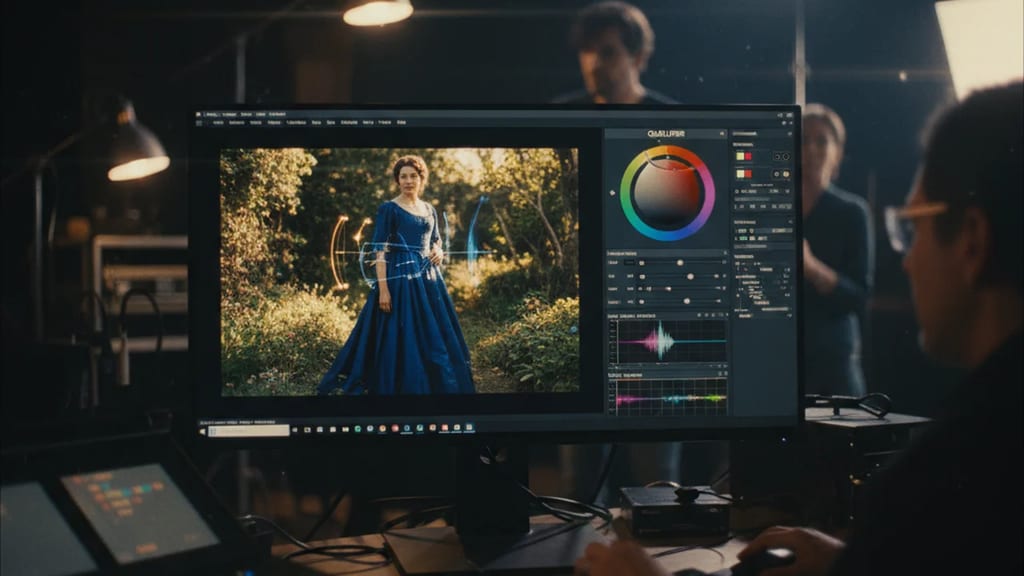
The Qualifier (often HSL Qualifier) is a color correction tool and part of post-production, not set lighting or grip equipment. It is used for secondary color correction: while primary correction affects the entire image, the qualifier specifically isolates a portion of the image so that only that part is graded afterward – such as the sky, a skin tone, or a specific color in a costume.
Technically, a qualifier functions similarly to a greenscreen key: instead of making the selected area transparent, it generates a mask (matte/key) that determines which pixels are affected by subsequent corrections. The qualifier is a standard component of professional grading software like DaVinci Resolve, Baselight, or Nucoda.
Selection Criteria
The qualifier selects pixels based on three properties of color – individually or in combination. This is where the name HSL is derived from:
| Criterion | Selection Based On | Typical Controls |
|---|
| Hue (H) | Color Tone | Center, Width, Soft, Symmetry |
| Saturation (S) | Saturation Level | Lower/Upper Limit, Softness |
| Luminance (L) | Brightness/Luminance | Lower/Upper Limit, Softness |
The selection usually begins with a pipette (eyedropper): by clicking and dragging over the image, a color or brightness range is captured; the tolerance of the selection is refined using the width and softness controls. The resulting matte can be further processed to smooth edges and reduce noise within the selection.
Use in Post-Production
The qualifier is rarely used alone. In practice, colorists combine it with other secondary correction tools:
- Power Windows geometrically limit the selection (shapes like circle, rectangle, polygon) so that the qualifier only acts within a specific image area.
- Tracking follows the selection across moving shots, ensuring the mask stays on a moving object.
Typical applications include adjusting skin tones, selectively saturating or desaturating individual colors, darkening an overexposed sky, or highlighting a single image element – all without affecting the rest of the image.