Overview
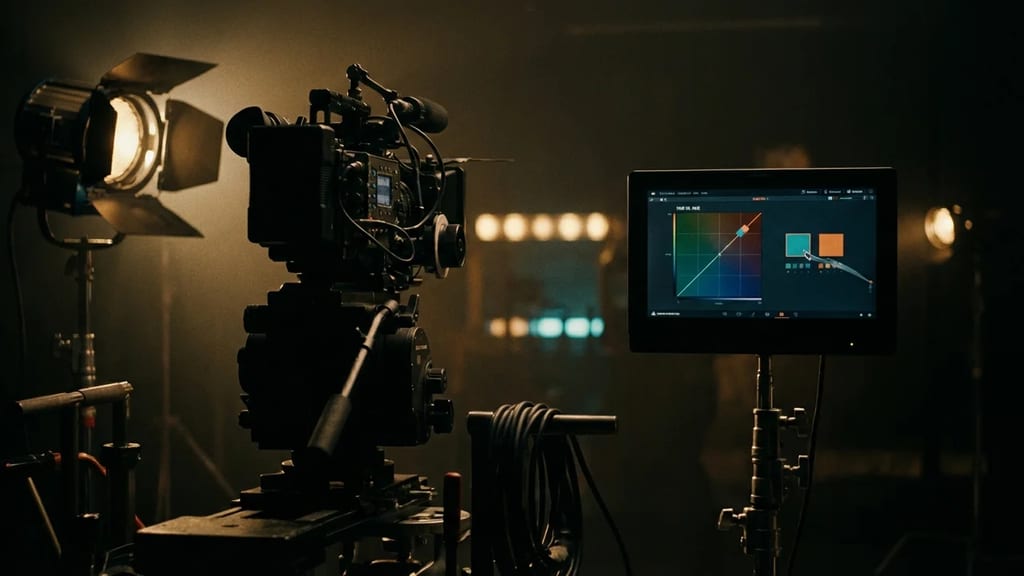
Hue vs. Hue is not lighting or grip hardware, but a tool for digital color correction (Color Grading) in post-production. It belongs to the family of so-called HSL or Hue curves and allows you to select a specific hue in the image and specifically shift it to another hue – for example, to turn a red more towards orange, a blue towards violet, or to neutralize unwanted color casts. The rest of the image remains largely untouched, making the curve a standard tool for selective (secondary) color correction.
The tool can be found under this name in, among others, DaVinci Resolve (Curves section of the Color Page) and in Adobe Premiere Pro (Lumetri Color panel, "Curves / Hue and Saturation Curves" section).
How it Works
The curve works in two dimensions across the color wheel:
- Horizontal Axis: the existing input hue (the range of hues – red, yellow, green, cyan, blue, magenta).
- Vertical Axis: the shift of this hue towards another hue (target hue).
By default, the curve is a flat line – each hue remains unchanged. If you set control points and drag the middle point up or down, the selected area of the color wheel is shifted. It is common to set multiple control points (typically a midpoint plus a point to the left and right) to limit the affected color range and keep the transition smooth.
Instead of blindly placing the point on the curve, the hue can be selected directly in the image (Picker/Eyedropper): clicking on the relevant spot in the viewer automatically places the control points on the appropriate hue range. This method generally yields more precise and cleaner results than manual placement.
Distinction from Related Curves
| Curve | Selection by | Changes |
|---|
| Hue vs. Hue | Hue | Hue (shift within the color wheel) |
| Hue vs. Sat | Hue | Saturation of the selected hue |
| Hue vs. Lum | Hue | Luminance of the selected hue |
All three curves select their target via hue but differ in which property they modify. They are often used in combination.
Practical Applications
Typical use cases for Hue vs. Hue:
- Correcting a color cast in a specific area of the image (e.g., pulling overly green foliage or grass towards a more natural green).
- Matching skin tones that lean towards yellow or red.
- Ensuring continuity, for instance, when a colored object (costume, prop) appears slightly different in various shots.
- Creative recoloring of individual elements without needing to create a complex mask (Qualifier/Key), which often produces jagged edges with fine-grain or compressed footage.
Since the curve directly affects hue ranges, it is often faster and more robust than a key-based mask – but it reaches its limits with strong adjustments, especially on low-compression 8-bit footage (visible artifacts). For extreme corrections, it is therefore often combined with HSL secondary tools.