Overview
False Color is an exposure assist tool in digital camera and monitoring technology. It replaces the normal image with a color coding where each brightness level (luminance) is assigned a fixed color. The result resembles a thermal imaging representation of the image: instead of relying on the subjective brightness impression of a monitor, the camera crew can precisely read from the color whether an image area is correctly exposed, overexposed, or underexposed.
False Color is integrated into modern cameras (from ARRI, RED, Blackmagic, Sony, among others) as well as external monitors and recorders (e.g., from SmallHD, Atomos, Flanders Scientific). Unlike a mere monitor image, the display is independent of the brightness, contrast, or calibration of the display device, making it reliable even in daylight on set.
How it Works
The color scale is based on luminance values, typically indicated in IRE (0–100) or percent. The exact color assignment and the threshold values of the individual bands vary depending on the manufacturer and camera, but the basic principle is consistent:
- Clipped Highlights (peak lights at the upper limit, around 100 IRE) are typically displayed in red – detail is lost here.
- Clipped Shadows / pure black (lower limit, around 0 IRE) appear violet or pink depending on the system – here too, there is no detail.
- Mid-range exposure values (area around middle gray) are signaled by neutral gray or green tones and are considered a safe, well-detailed area.
Skin tones serve as the most important exposure reference: depending on the skin type and desired effect, they usually fall within the middle range of the scale. In ARRI's False Color implementation, the narrow bands of pink and green mark the recommended upper and lower boundaries for exposing faces.
Distinction from Other Exposure Tools
False Color complements other exposure aids but does not replace them:
- Zebra: Only displays a single adjustable brightness threshold (e.g., 100% or 70%) using a striped pattern. False Color, in contrast, encodes the entire brightness spectrum simultaneously.
- Waveform / Histogram: Display the brightness distribution as a diagram. False Color shows the information directly at the precise location within the image – you immediately see which image area has which exposure value.
Use on Set
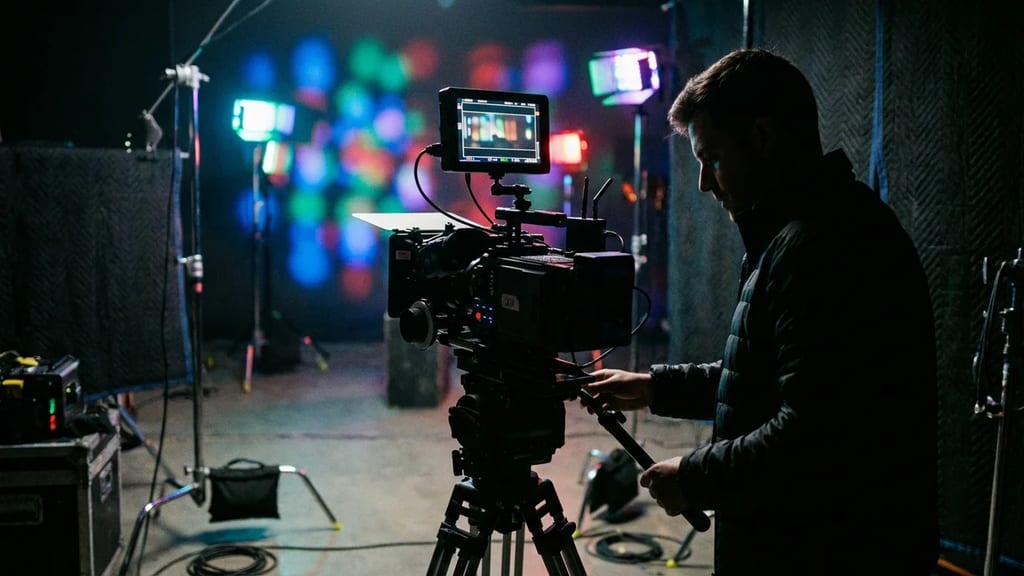
Camera assistants and DITs use False Color to quickly and objectively assess exposure – for example, to preserve highlights (windows, lamps, sky) before clipping and to place skin tones cleanly in the middle range of the scale. The function can usually be toggled on and off with a button press and is particularly helpful with changing ambient light or uncalibrated monitors. Since the false colors overlay the actual image, the display serves solely for control and not for image creation.